BeTheme Multipurpose WordPress Theme I vs 28.2.1
₦5,500.00
- Quality assurance by WPMagic Click
- Free future updates
- Fast download
- Priority support

BeTheme Multipurpose WordPress Theme is the best product we ever did!
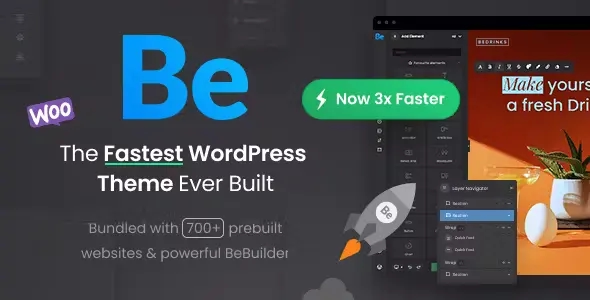
BeTheme Multipurpose WordPress Theme is more than just WordPress theme. Such advanced options panel and Drag&Drop builder tool give unlimited possibilities. To show you how BeTheme Multipurpose WordPress Theme works, we have created 15 thematic websites so you can see how amazing this product is.
Full of different pre-built websites at 1 click
Constantly we add new demos at users requests. So far we created websites for: electric, veterinarian, loan agency, charity agency, sitter, moving company, barber, health magazine, book writer, plumber, art agency, interior design company, webmaster, application, seo agency, university, event company, developer, car rental, shop and much more.
BeTheme Multipurpose WordPress Theme make all easy!
If you have own idea for great homepage, please do not hestitate and tell us about that. We consider all your ideas!
🔹 FOR WORDPRESS THEMES
HOW TO USE
- After Purchase on wpmagicclick.com.ng
- Login to wpmagicclick.com.ng
- Go to your My account
- Go to Download
- Download the plugin ZIP file.
- Go to WordPress Dashboard
- Appearance
- Themes
- Add New
- Upload Theme.
- Upload the ZIP File
- Click Install
- Activate after Installation
- Import demo content (if included).
- Customize via Appearance → Customize or Elementor.
🔹 FOR WORDPRESS PLUGINS HOW TO USE
- After Purchase on wpmagicclick.com.ng
- Login to wpmagicclick.com.ng
- Go to your My account
- Go to Orders
- Download the plugin ZIP file.
- Login to Your WordPress Dashboard
- Go to Plugins
- Add New
- Upload Plugin.
- Upload the ZIP and click Install → Activate.
- Open the plugin settings from the left sidebar menu.
- Configure options and start using.
✓ Quality assurance by WPMagic Click
✓ Free future updates
✓ Fast download
✓ Priority support
::::::::::::::::::::::::::::::::::::::::::::::::::::::::::
| Last Update | 18 December, 2025 |
| Live Preview: | Here |
| License | GPL |
::::::::::::::::::::::::::::::::::::::::::::::::::::::::::